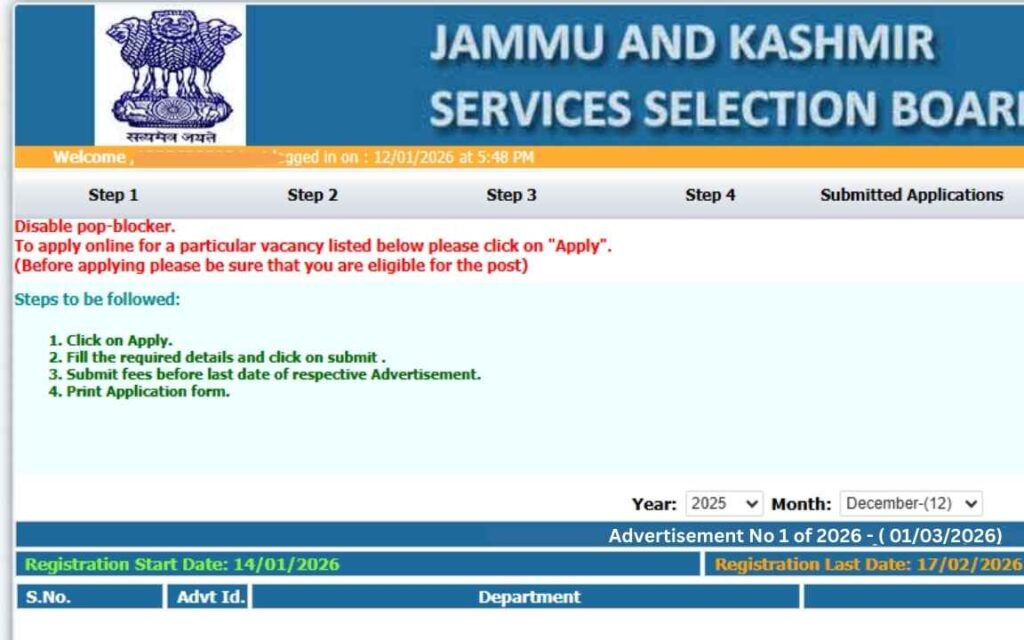
Jammu and Kashmir Services Selection Board Instructions for Submission of Application Forms – 239 Posts (Health & Medical Education Department)
The Jammu and Kashmir Services Selection Board (JKSSB ) has invited online applications for 239 posts in the Health and Medical Education Department from eligible candidates possessing a valid Domicile Certificate and fulfilling other eligibility conditions as mentioned in the advertisement.
Important Dates
Event Date & Time Start Date of Application 24.02.2026 (12:00 AM) Last Date to Apply 25.03.2026 (11:59 PM) Last Date for Fee Payment 25.03.2026 (11:59 PM)
Direct Link to APPLY Online Mode of Application
Applications shall be accepted only through online mode .
Candidates must apply through the official website: www.jkssb.nic.in
No other mode of application shall be accepted.
Step-by-Step Instructions for Online Application
1. Registration
Click on ‘Login (Apply on Various Posts)’ tab on JKSSB website.
Click on “New User / Sign Up” .
Register using a valid Email ID and Mobile Number.
Validate account using OTP verification.
If OTP fails, click on “Get Activation Code” .
2. Login Credentials
Use the Username generated during registration , not the email ID, for login.
3. One-Time Registration (OTR)
Complete the OTR Form after login.
After completing OTR, click on ‘Active Advertisement’ tab.
Select the relevant post and click on ‘Apply’ .
4. Filling Application Form
Fill all required fields carefully.
Click on ‘SAVE & CONTINUE’ .
Ensure all information is correct before final submission.
Once submitted, the form cannot be edited.
Upload Specifications
Document Size & Format Live Photograph As per Annexure-A Signature 10 KB to 20 KB (1.5 × 3.5 cm) Category Certificate Max 100 KB (PDF) Qualification Certificates Max 100 KB (PDF)
Certificates must be valid as on cut-off date.
Upload essential qualifications and experience certificates strictly as per post requirements.
Application Fee Payment
Fee must be paid online via:
Net Banking
Debit Card
Credit Card
UPI
Payment Process
After completing the form, click on “Pay Now” .
Ensure fee status shows as ‘Submitted’ on dashboard.
Application without fee payment will be treated as incomplete.